Manual › 3 · Image Quality

FILM EFFECTS

SHOOTING MENU › FILM EFFECTS

Open FILM EFFECTS to choose the effects to apply to photographs. Adjust each effect before shooting.

X70

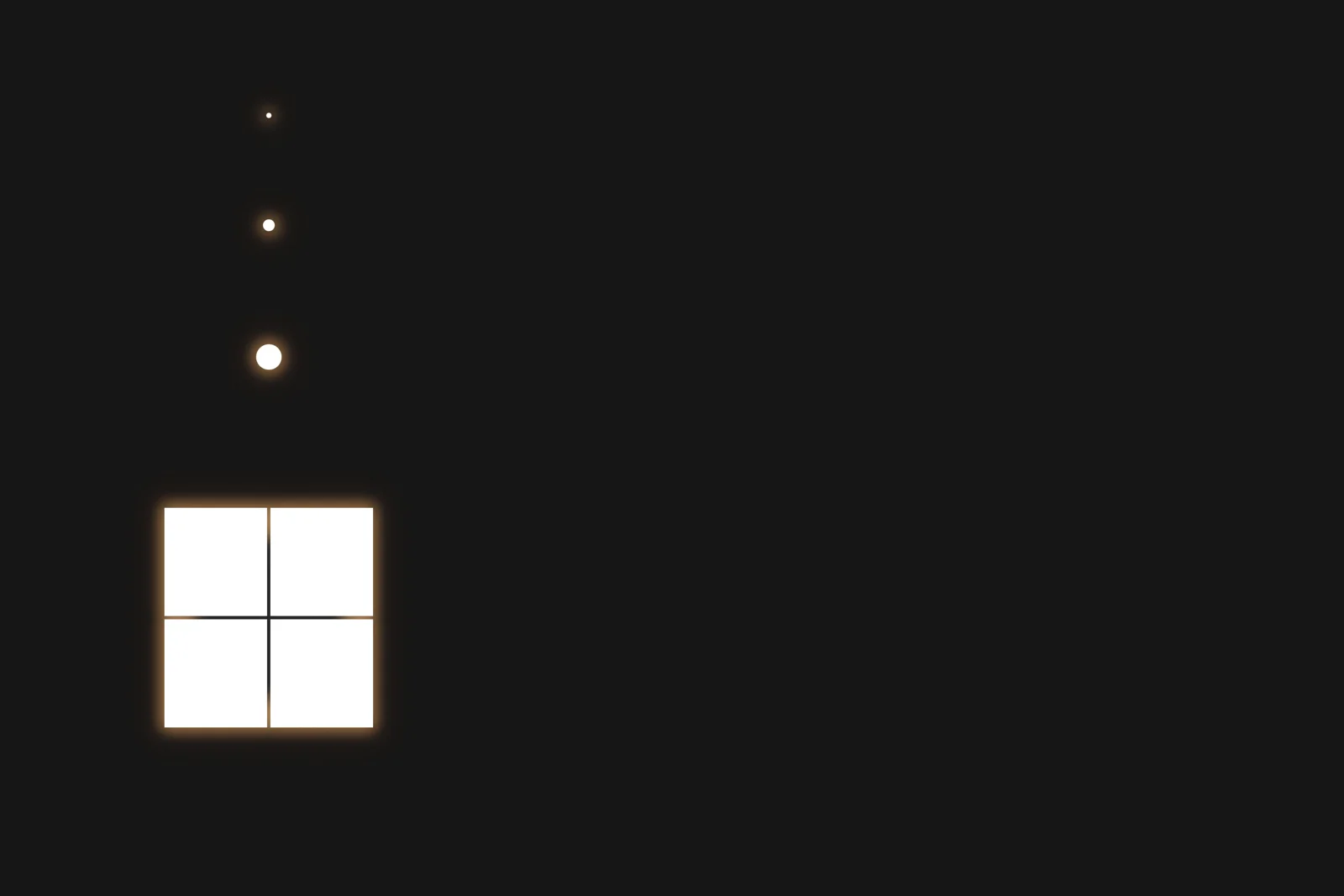
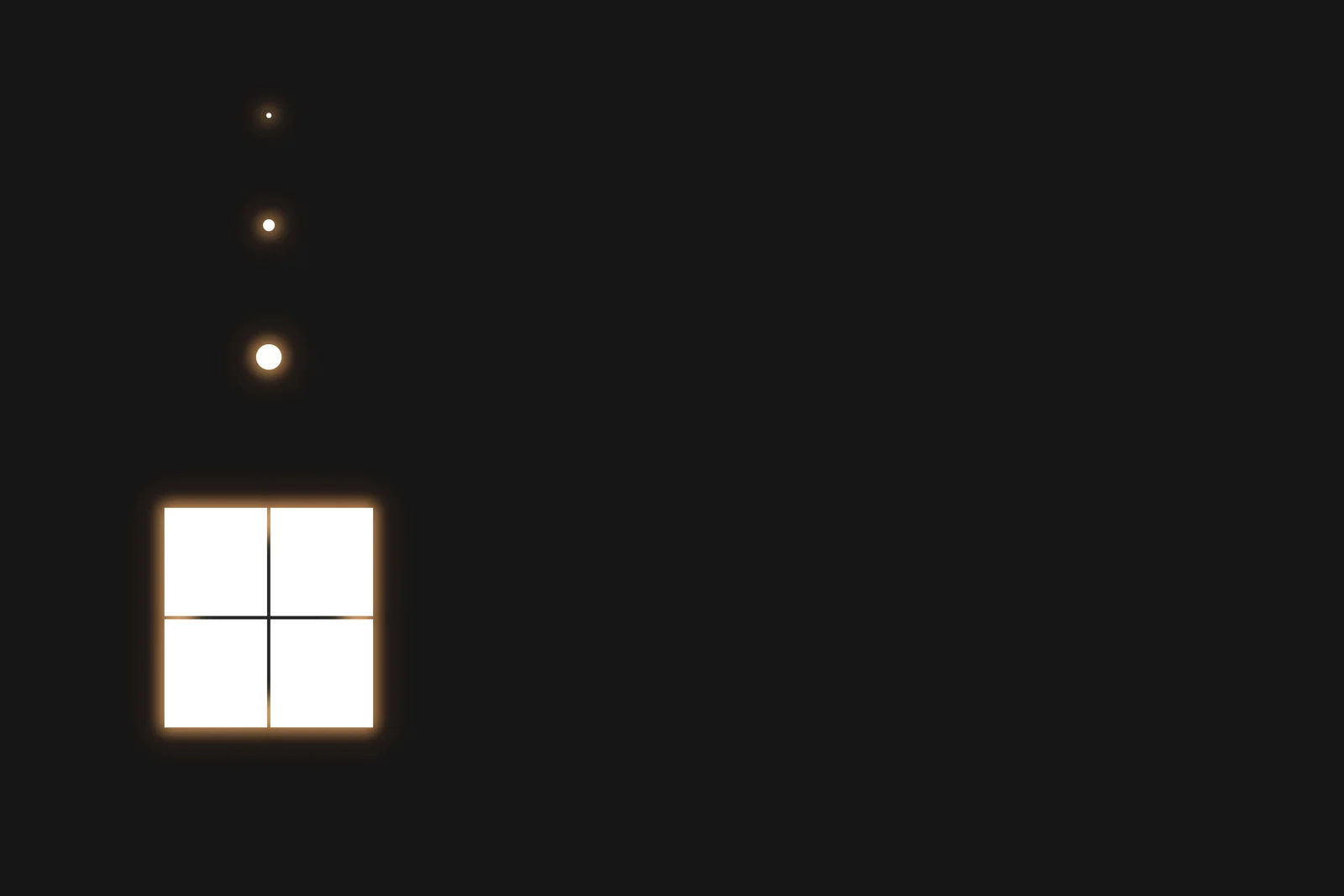
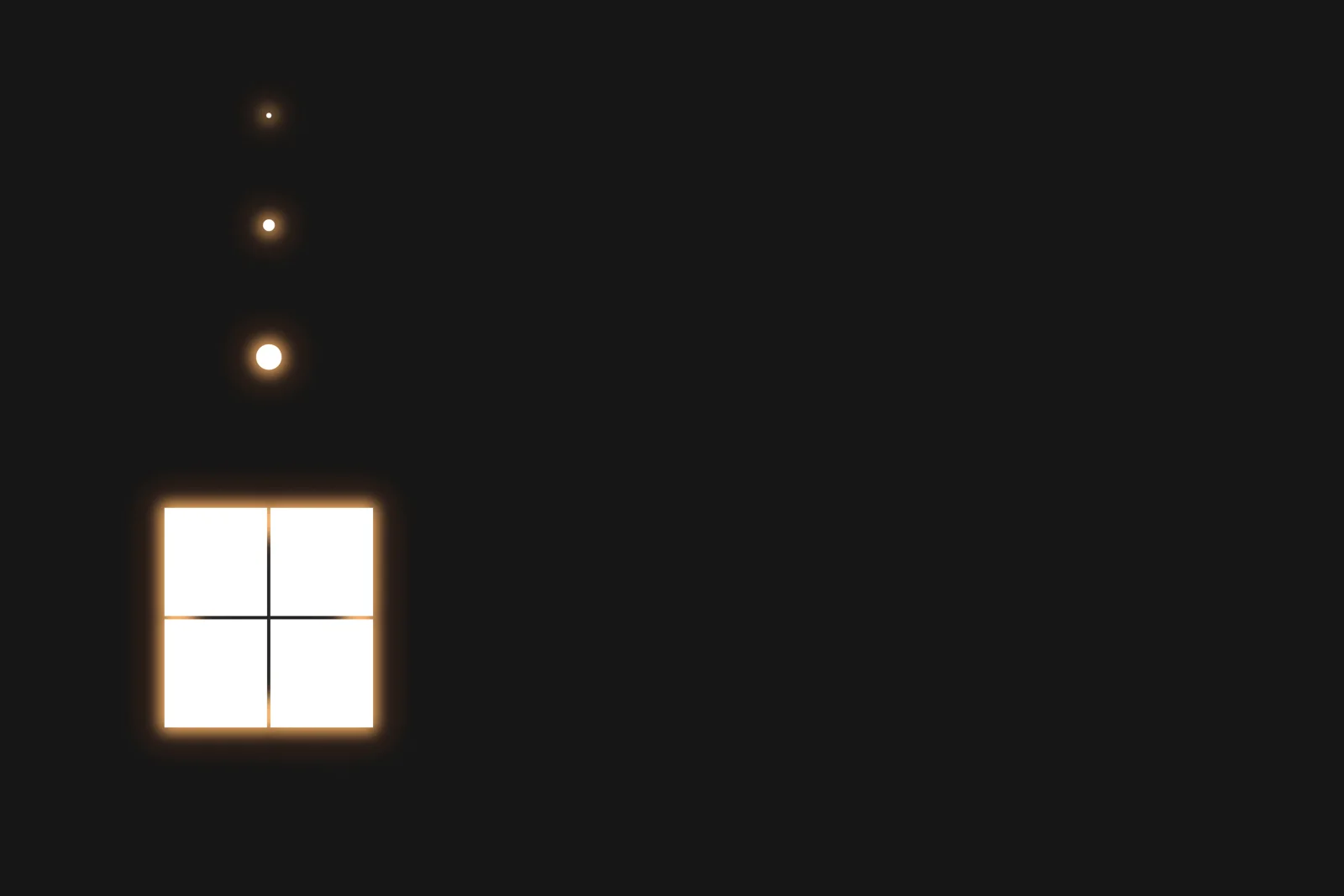
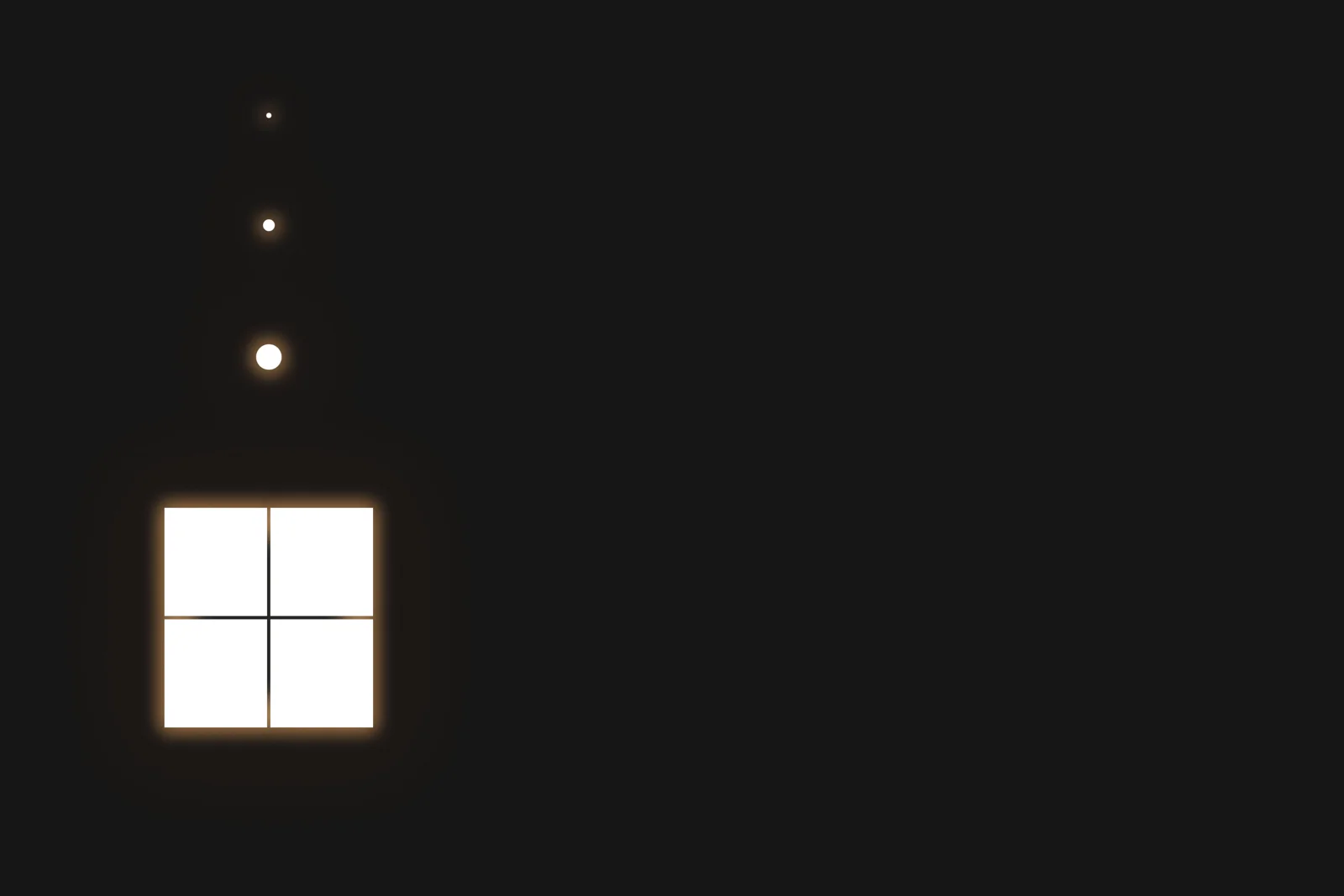
HALATION

Add a glow around bright areas.

STRENGTH

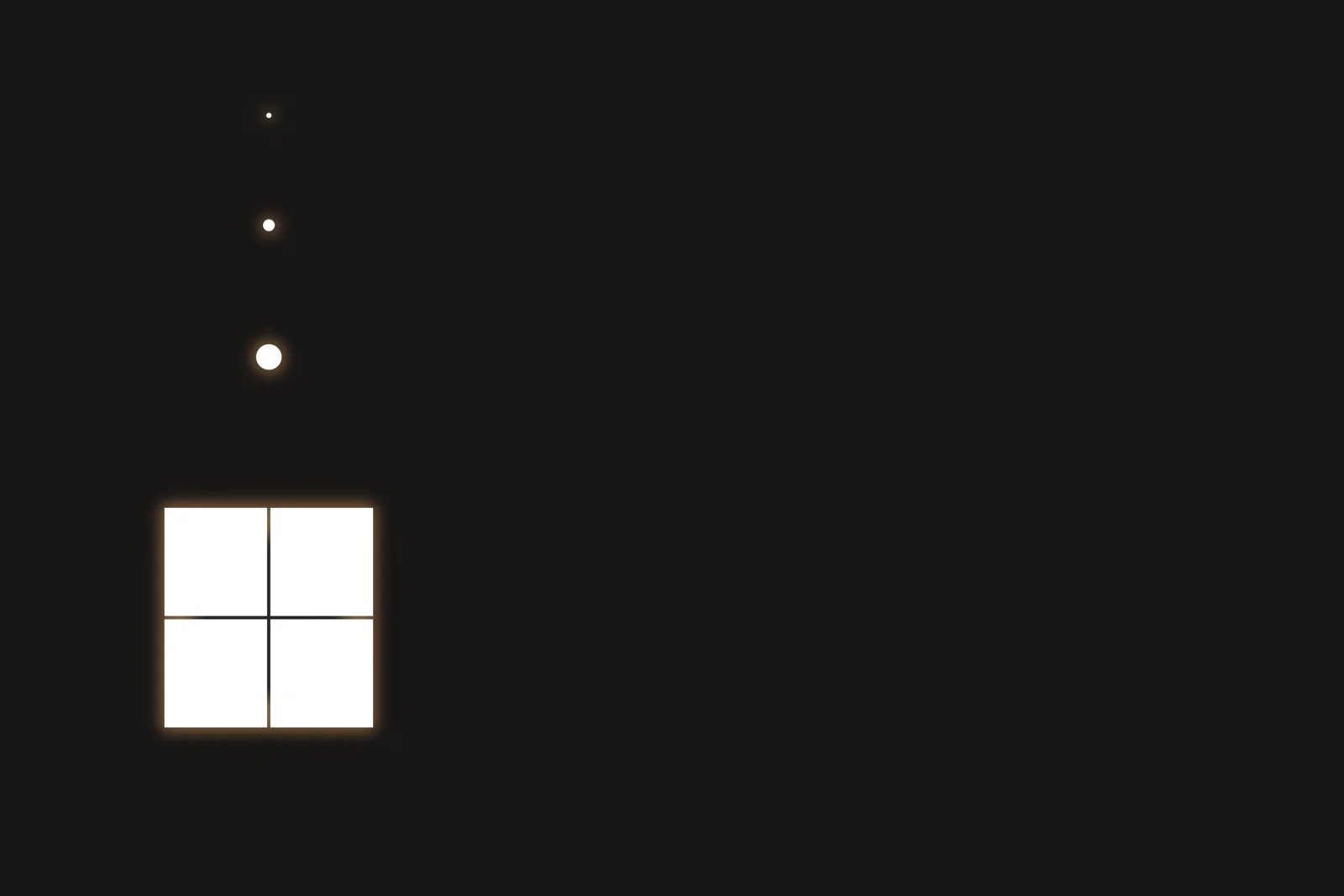
Choose how strongly light sources glow. Bursts in continuous drive are recorded without halation.
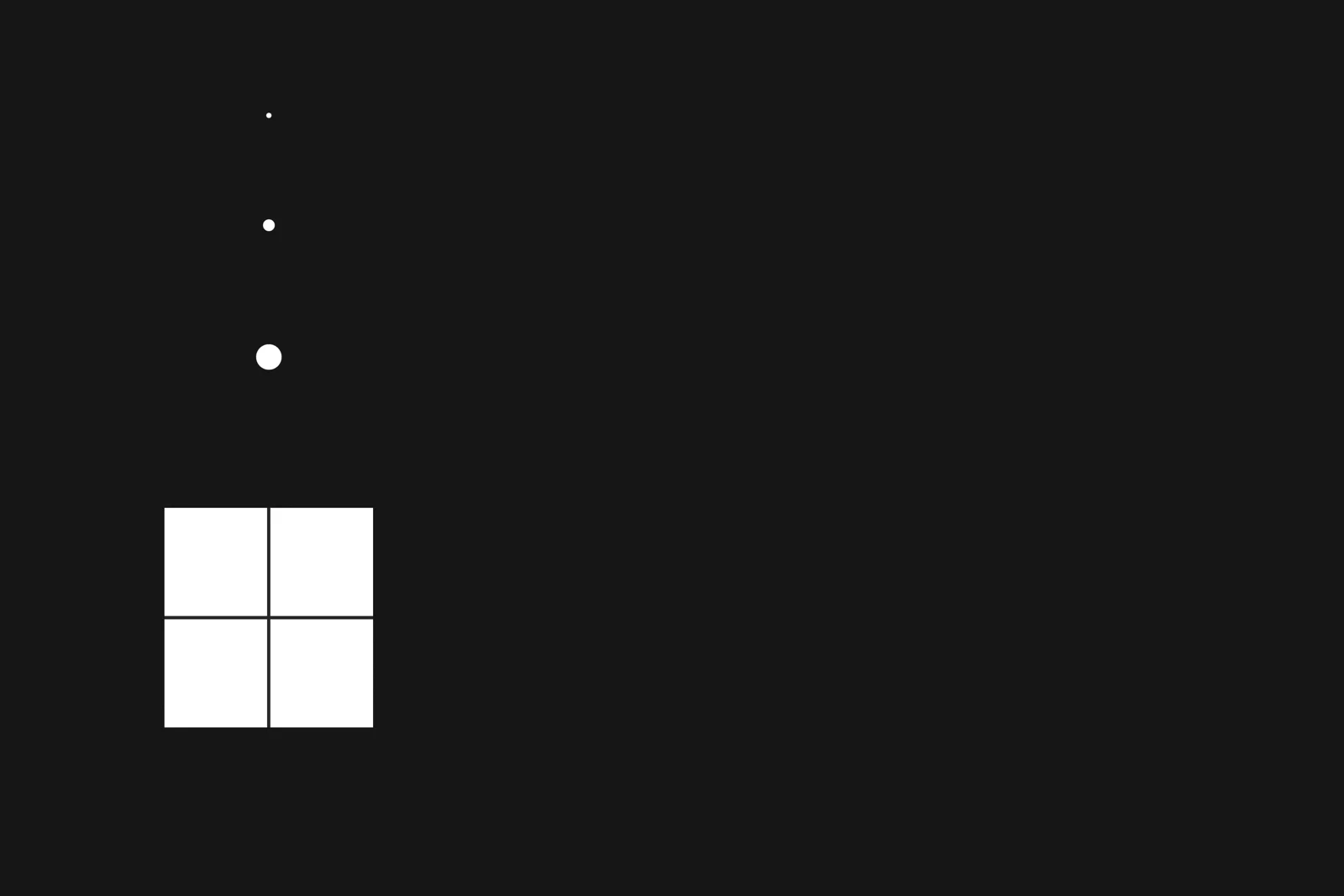
OFF
OFF
WEAK · WARM · REALISTIC
MEDIUM · WARM · REALISTIC
STRONG · WARM · REALISTIC
ULTRA · WARM · REALISTIC

OFF · WEAK · MEDIUM · STRONG · ULTRA

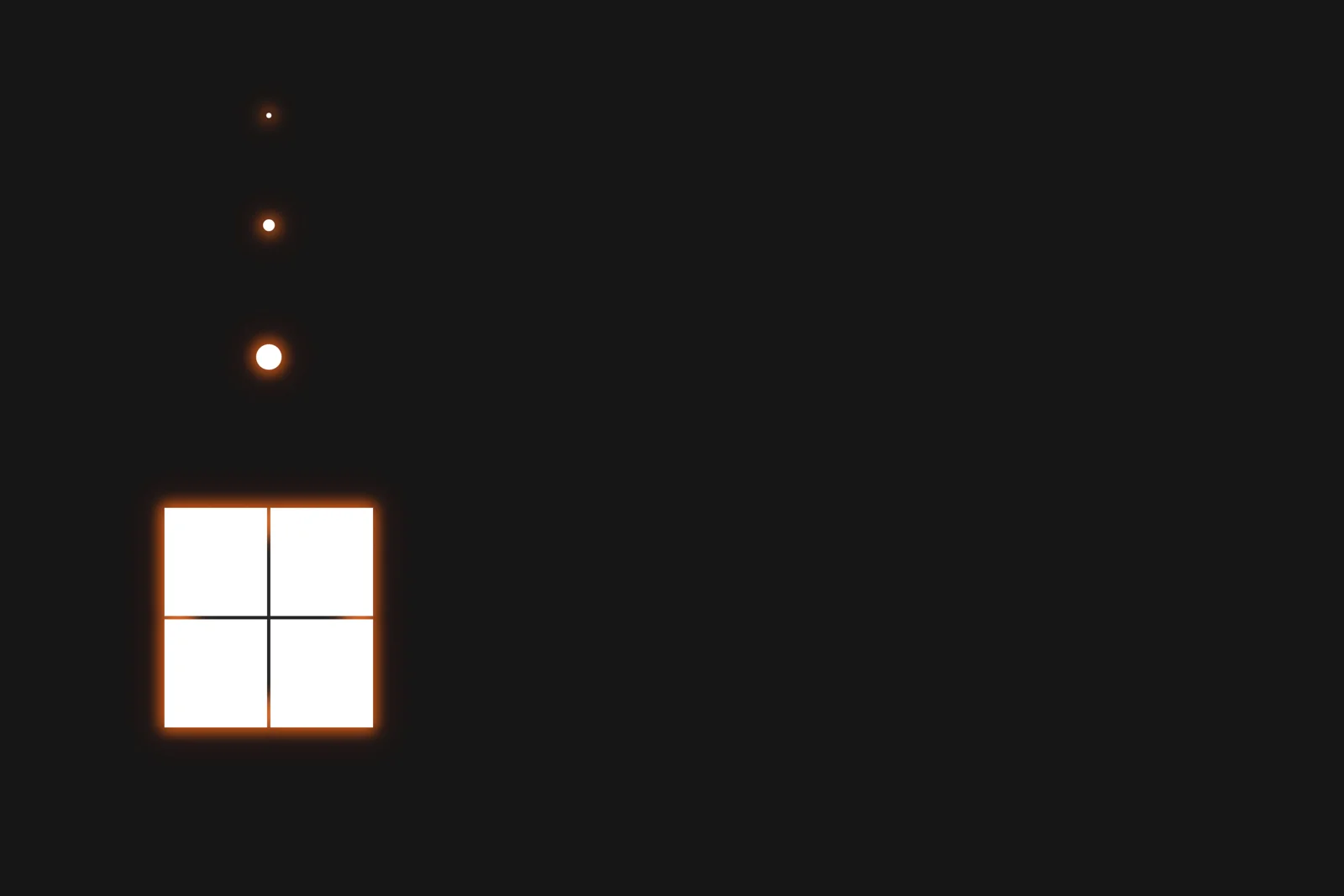
COLOR

Choose warm, neutral or red halation.
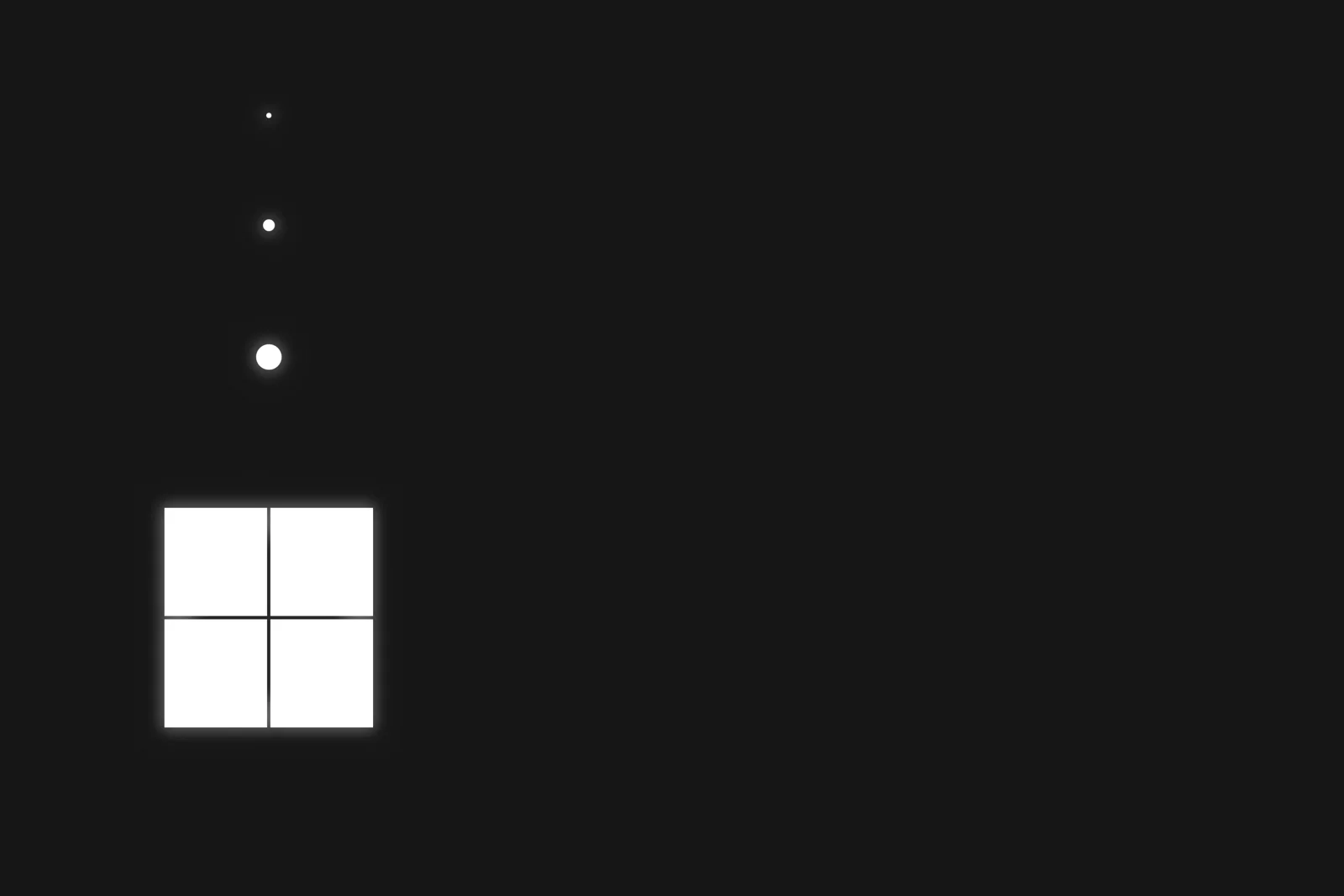
MEDIUM · WARM · REALISTIC
MEDIUM · NEUTRAL · REALISTIC
MEDIUM · RED · REALISTIC

WARM · NEUTRAL · RED

SIZE

Choose how far the glow spreads around light sources.
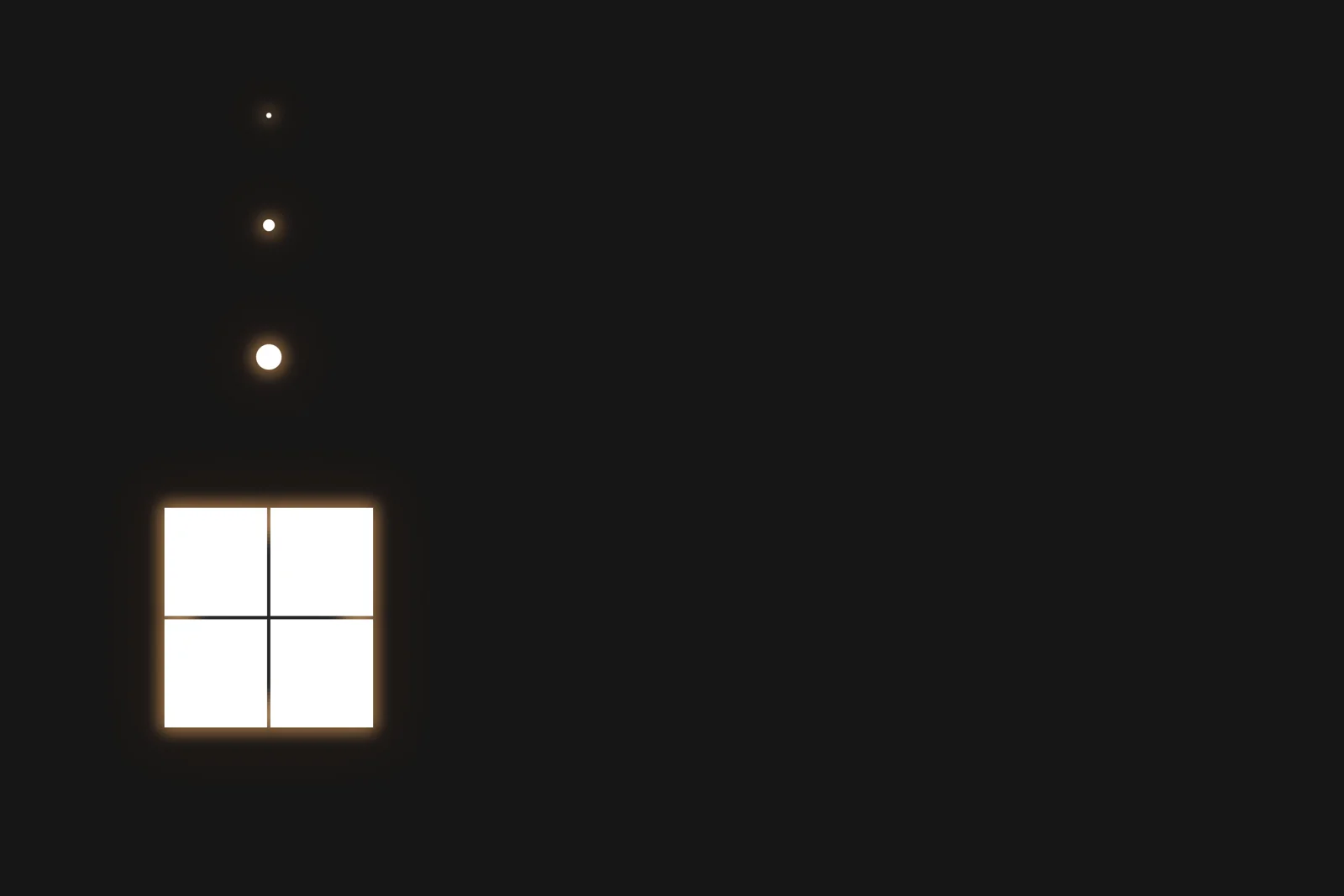
MEDIUM · WARM · REALISTIC
MEDIUM · WARM · MEDIUM
MEDIUM · WARM · LARGE

REALISTIC · MEDIUM · LARGE

LIGHT LEAKS

Add the effect of light reaching the edge of the film.

LEAKS

Choose how strongly a soft light leak enters from an edge or corner. Each photograph gets its own leak, and now and then none. Bursts in continuous drive are recorded without it.

OFF · SUBTLE · STRONG

COLOR

Choose warm, red or rainbow leaks.

WARM · RED · RAINBOW

EXPIRED

Give each photograph a slight random color cast, faded blacks and softer contrast, as old film does.

OFF · ON

FILM BORDERS

Add a border to the photograph.

BORDERS

Burn the frame into every JPEG. Bursts in continuous drive are recorded without it.

OFF · ON

STYLE

Choose a 35 mm negative or slide rebate with sprocket holes and edge printing, an instant print border, a thin black frame, or a 35-to-120 conversion: the picture edge to edge with sprocket holes punched into it and the film simulation printed along the film edge.

35MM NEGATIVE · 35MM SLIDE · INSTANT · THIN BLACK · 35-TO-120

NEGATIVE

Records JPEGs as color negatives on an orange film base, ready to invert in Negative Lab Pro or a similar tool.

OFF · ON

DATE STAMP

Choose whether new JPEG photographs carry the date, and how it looks.

STAMP

Turn the date stamp on or off. RAW files are not changed.

ON
New JPEG photographs carry the stamp.
OFF
Photographs are saved without a stamp.

STYLE

Choose the color of the stamp.

ORANGE LED
Orange digits with a faint glow.
WHITE
White digits.
YELLOW
Yellow digits.

FORMAT

Choose what the stamp shows and its order.

'YY MM DD
Year, month and day: the year starts with an apostrophe.
DD MM 'YY
Day, month and year.
MM DD 'YY
Month, day and year.
TIME
Hours and minutes.

CORNER

Choose the corner of the photograph that carries the stamp.

BOTTOM RIGHT
The stamp sits in the lower right corner.
BOTTOM LEFT
The stamp sits in the lower left corner.