Manual › 3 · Image Quality

NOISE REDUCTION

SHOOTING MENU › NOISE REDUCTION

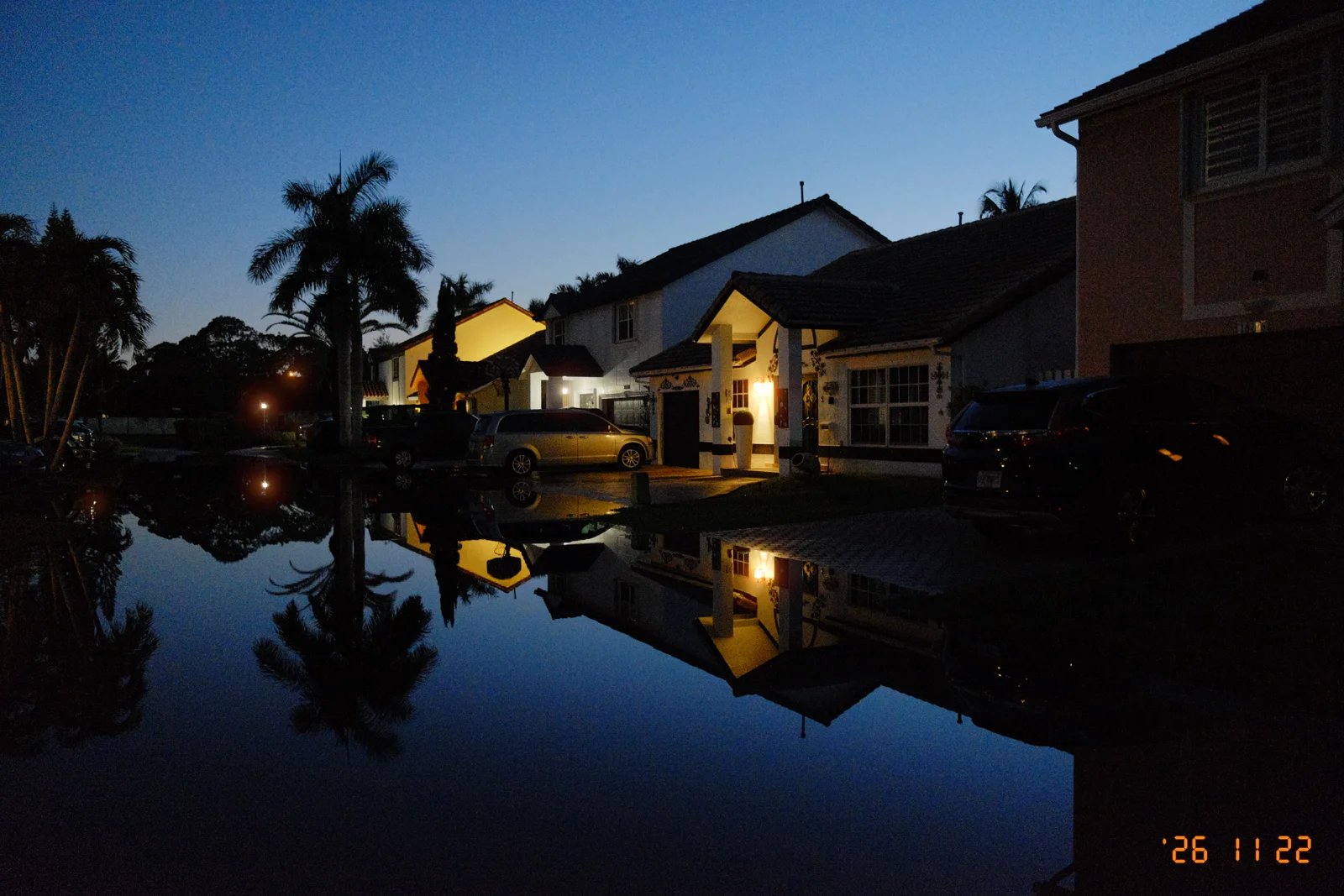
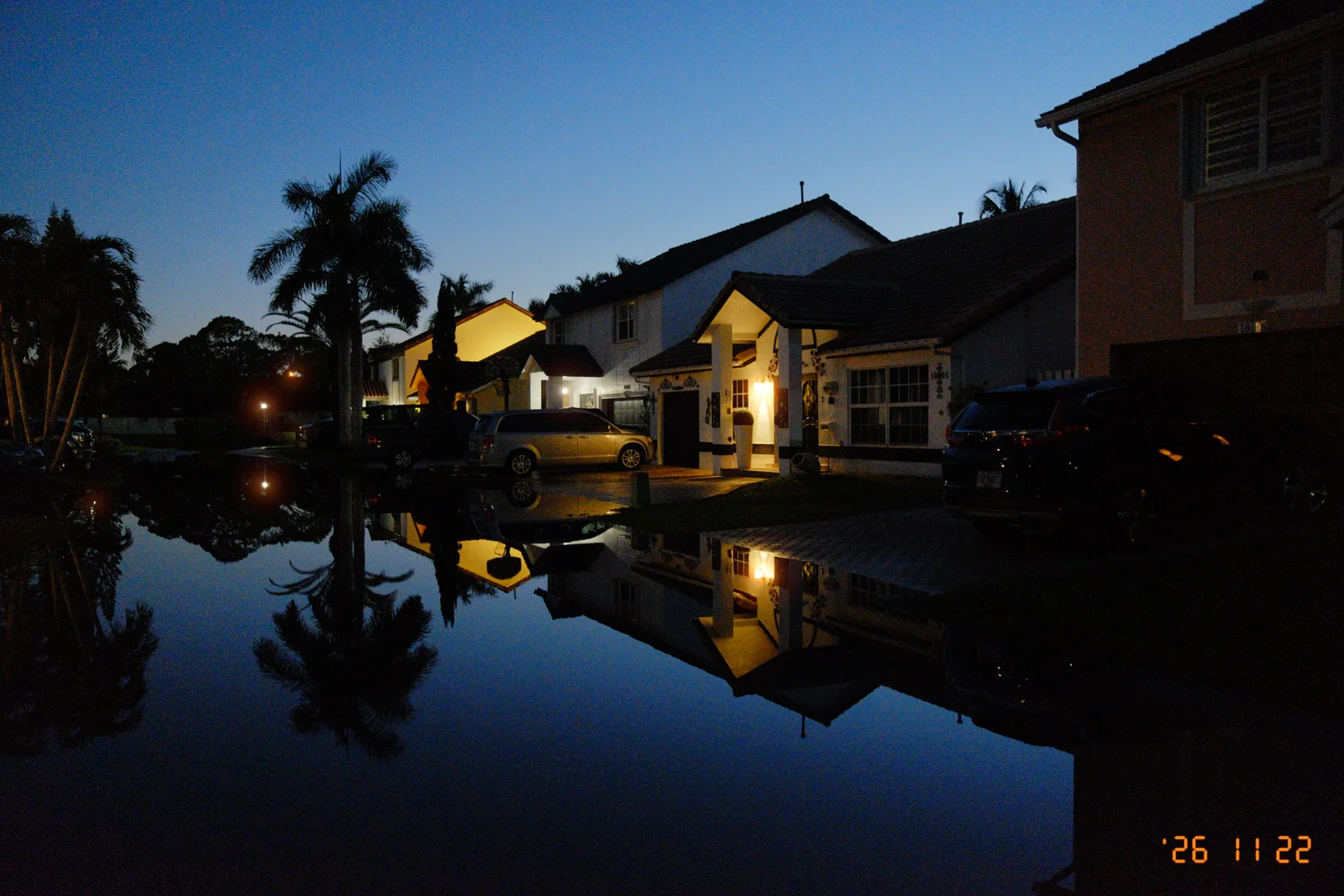
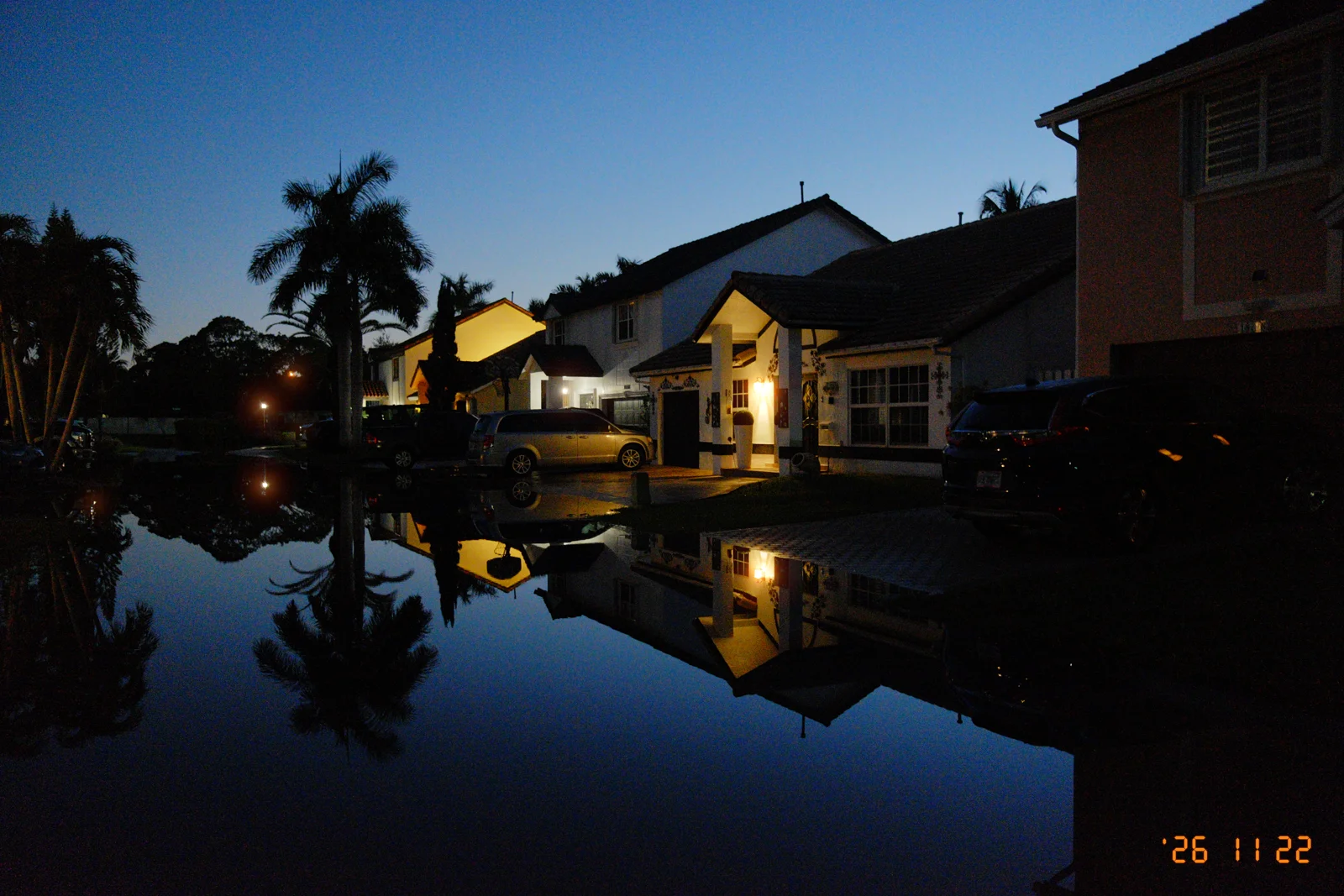
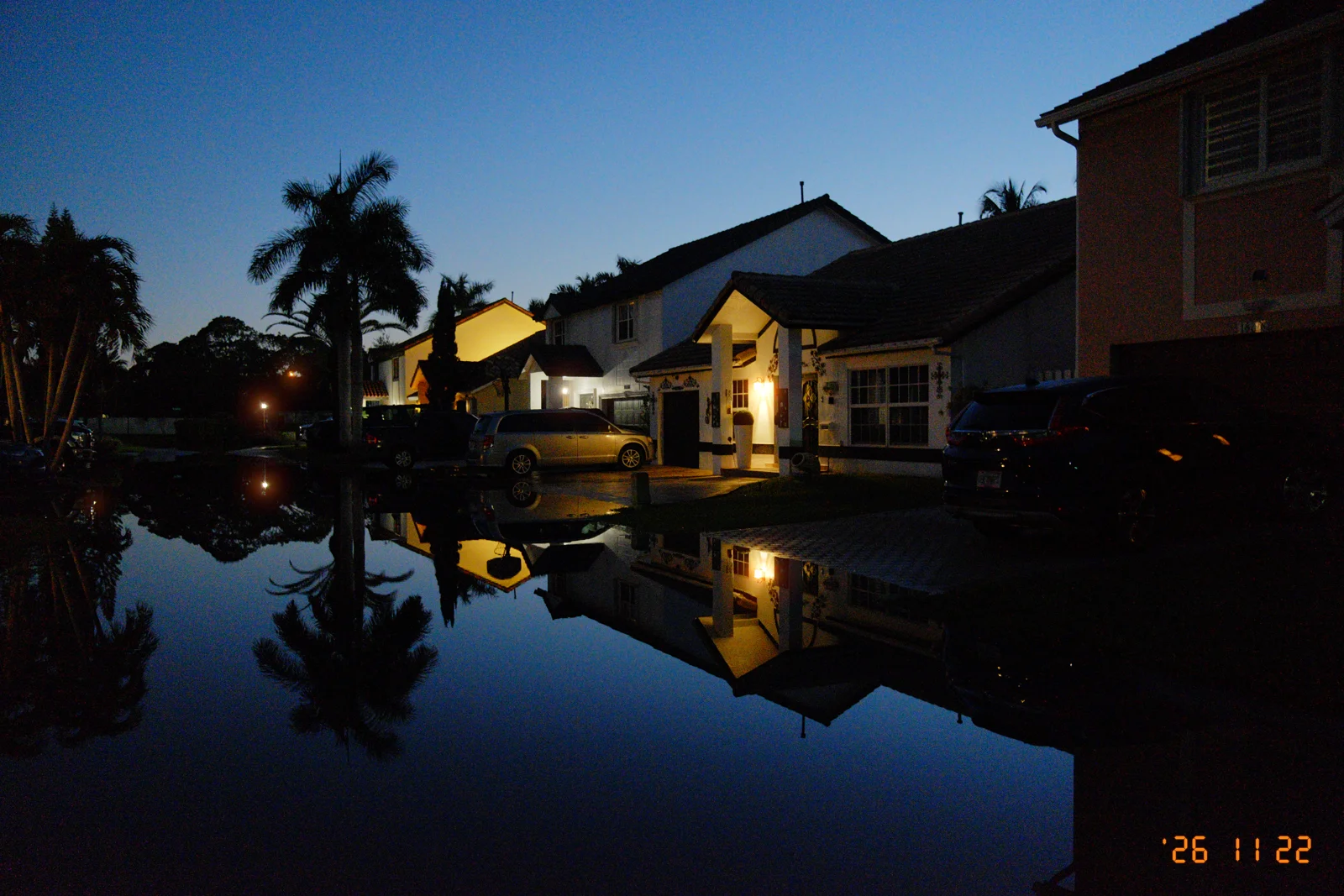
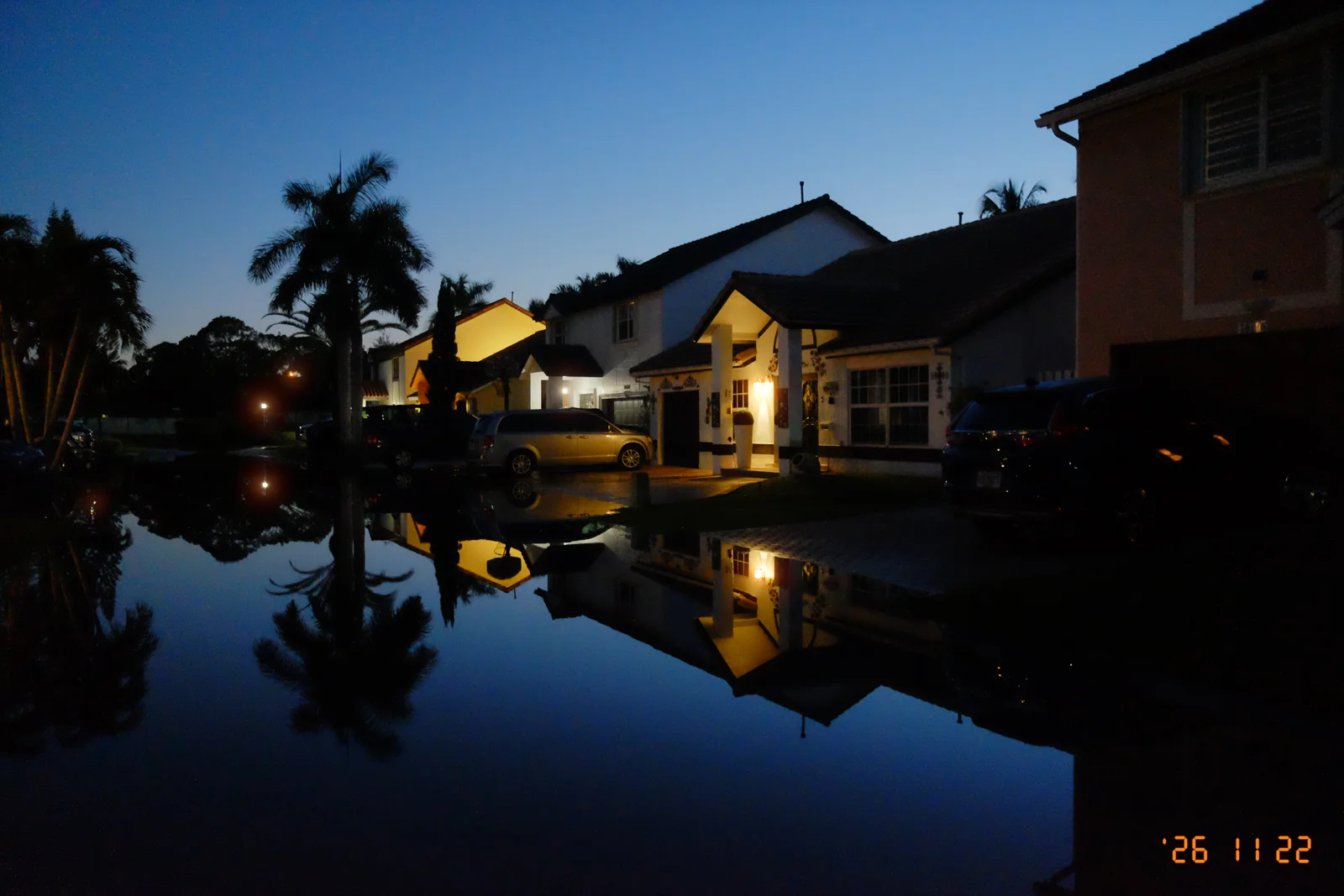
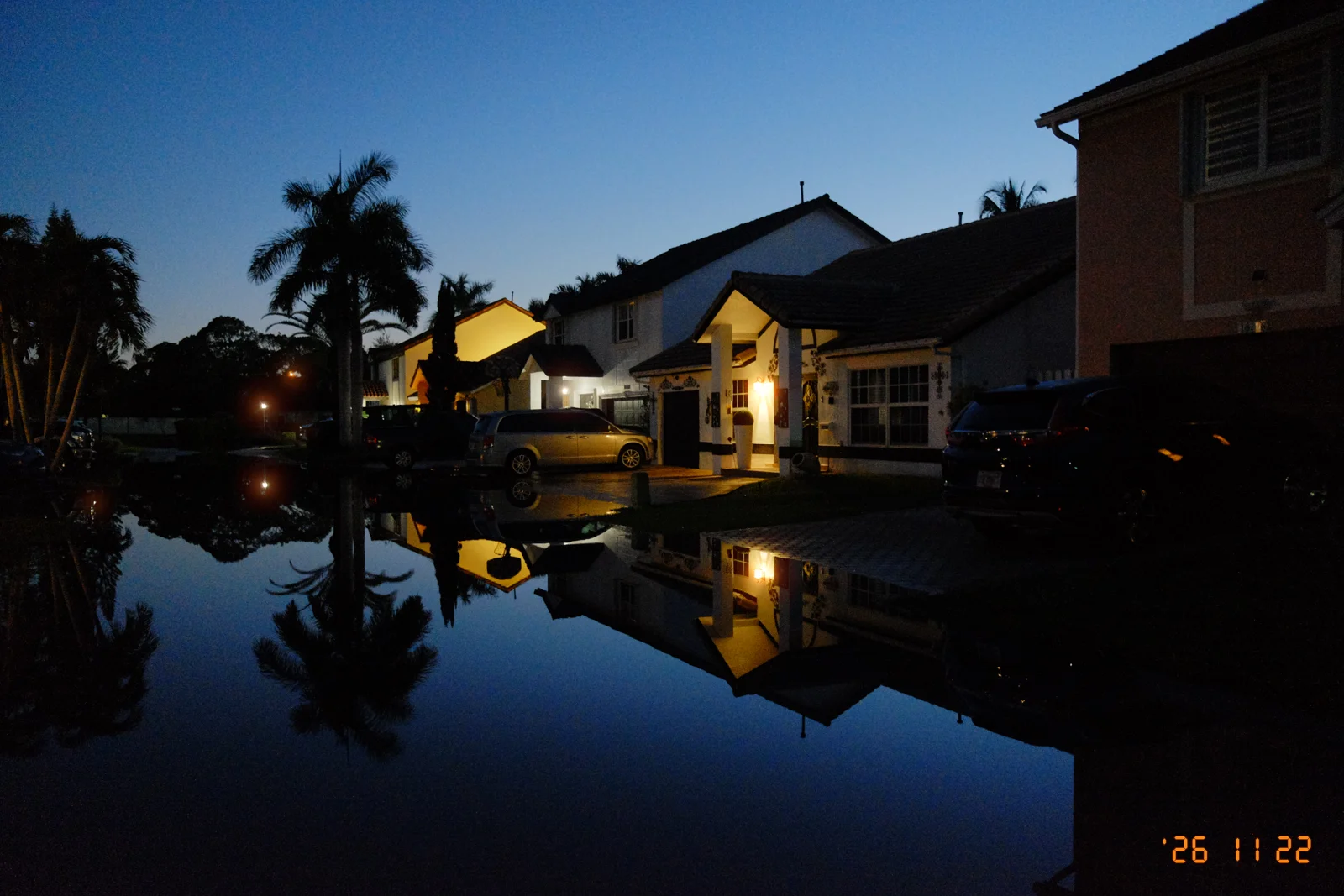
Choose the amount of noise reduction applied to JPEGs. Compare fine detail and color noise when choosing a setting for high ISO photographs.
0
0
-2
-2
LUMA NR OFF
LUMA NR OFF
COLOR NR LOW
COLOR NR LOW
SPECKLE NR ONLY
SPECKLE NR ONLY
NR OFF
NR OFF
0
0
-2
-2
LUMA NR OFF
LUMA NR OFF
COLOR NR LOW
COLOR NR LOW
SPECKLE NR ONLY
SPECKLE NR ONLY
NR OFF
NR OFF
+2
Luma noise reduction 1.7× that of 0 up to ISO 1600, 1.3× at ISO 6400. Turns off the rounding dither.
+1
Luma noise reduction 1.4× that of 0 up to ISO 1600, 1.2× at ISO 6400. Turns off the rounding dither.
0
Standard luma noise reduction. Color noise reduction is the same at every level from +2 to −2.
-1
Luma noise reduction half that of 0 up to ISO 1600, 0.7× at ISO 6400.
-2
Luma noise reduction off up to ISO 640, 0.4× that of 0 at ISO 6400. The luma texture filter and the demosaic still smooth fine detail.
LUMA NR OFF
Turns off luma noise reduction, including the texture filter and demosaic smoothing that −2 keeps. Color noise reduction stays as at −2.
COLOR NR LOW
LUMA NR OFF with the color blotch filter at its weakest, about a third of −2 at ISO 3200 and above.
SPECKLE NR ONLY
Turns off every noise reduction stage except the color median filter, which removes single-pixel color speckle.
NR OFF
Turns off every noise reduction stage.

X70